
Extensions and roles
| Extension | Name | Purpose |
|---|---|---|
| .dsfr | DSF Read | Reading, distribution and Writing storage |
| .dsfp | DSF Project | Creating and re-editing a Studio manuscript |
| .dsf / .dsp | Legacy names | Accepted for supported existing input formats |
New output uses .dsfr and .dsfp. When saving an old .dsp project, choose a new .dsfp destination and retain the original.
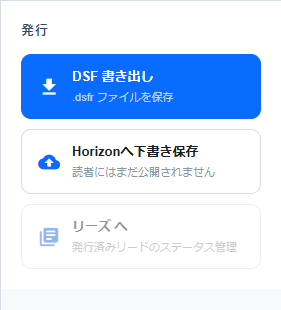
DSF Read (.dsfr)
A Read bundles pages, languages, presentation information and assets for reading. It is distinct from an editable authoring project.
Graphic pages can use WebP images. Text pages can use fixed text with resolved positioning and typography: Reader uses the established line breaks, columns and coordinates instead of composing text again.
Horizon online delivery and portable .dsfr files can supply fonts and assets differently. Successfully opening an online Read is separate from saving a complete distribution file to your device.
DSF Project (.dsfp)
A Studio project retains manuscript data, editing information and source assets such as original images. Use it for backups and continuing editing on another device.
Re-editing a .dsfp is different from annotating a .dsfr with Writing. Use .dsfp to change the creator’s manuscript.
Editable and shared Writing files
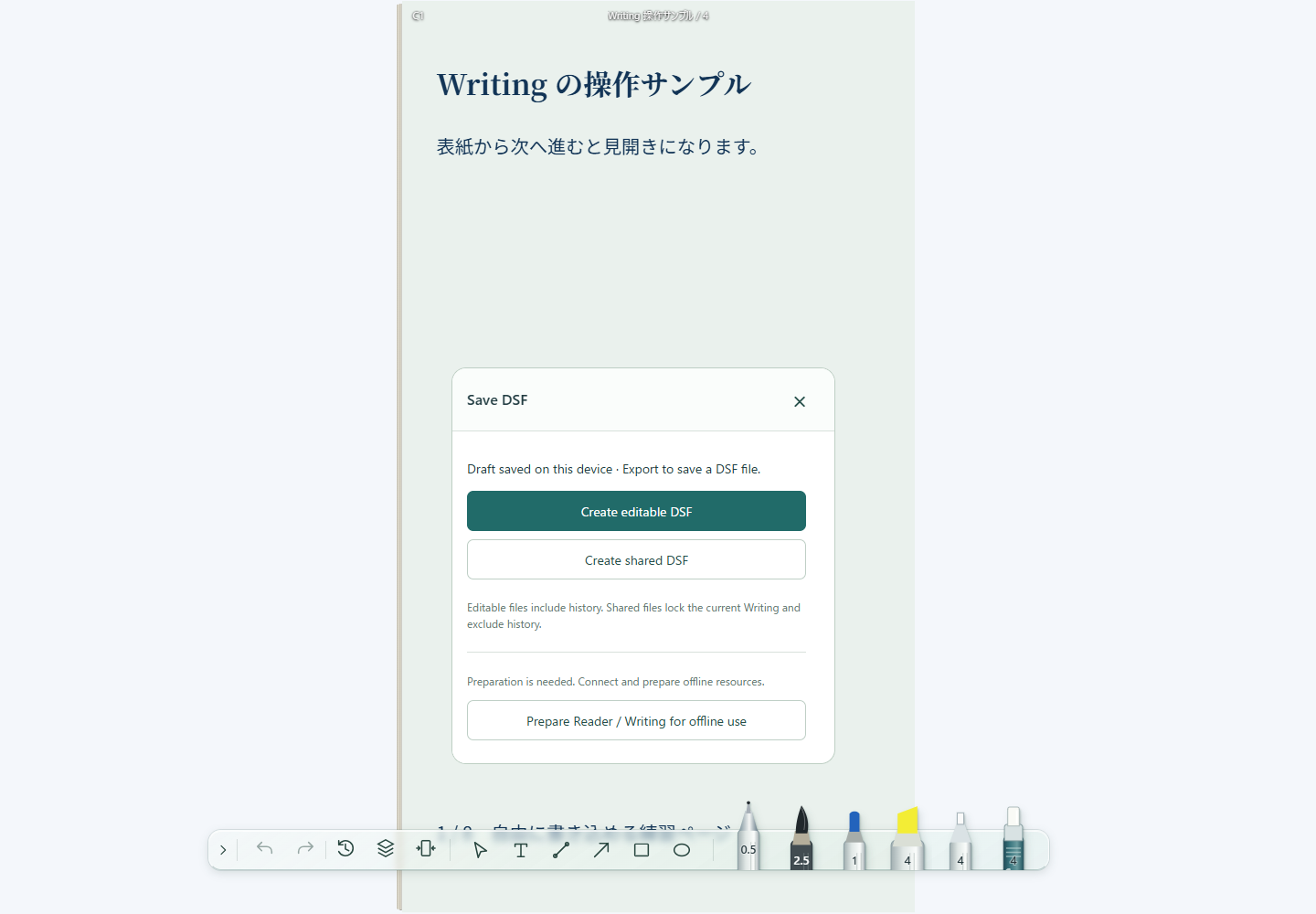
Both use .dsfr but serve different purposes.
| Type | View notes | Continue Writing | History |
|---|---|---|---|
| Editable | Yes | Yes | Includes restoration history |
| Shared | Yes | Locked | Excludes editing history |
Shared filenames may add -shared to distinguish them. Check the export type before sending notes so you do not unintentionally distribute editing history.
Inside the ZIP container
DSFR and DSFP are ZIP containers. Depending on the format, they bundle JSON, page images, fonts and other assets. Files such as manifest.json, meta.json and content.json describe page structure, language and presentation.
Entry lists are not identical across every generation. Formats differ, including the separation of Writing originals, annotations and history. An extension alone does not identify the internal version.
9:16 and fixed layout
The base logical page is 360×640, a 9:16 ratio. The minimum distribution raster for image pages is 1080×1920. These are design and output references, not a physical screen-size requirement.
Flow manuscripts also resolve line and page breaks for distribution. Reader does not repaginate them for a different screen size.
Work with legacy files
- Retain the original and open it in the appropriate application.
- Check pages, languages and manuscript state.
- Export with the current extension, then reopen to verify it.
Renaming an extension does not convert the internal format or add features. Unsupported versions or damaged files cannot be repaired by changing their name.
Verify a saved file
- Check that the intended file exists at the save location.
- Distinguish .dsfr from .dsfp and editable Writing from shared Writing.
- Reopen a distribution .dsfr in Reader and an editable .dsfp in Studio.
- A share or download click alone does not prove OS-level saving completed. Check the actual destination.