
Open a Read from Horizon
- Visit Horizon.
- Browse or search by Read title or author.
- Open a Read to begin reading in Reader.
A shared Read URL also opens Reader. Access can change when the author changes publication status or the publication period ends.
Open a local file
- Open DSF Reader.
- Choose Open file and select a .dsfr on your device.
- Wait for loading to finish, then check the pages.
Reader also accepts supported .dsfp, .zip, .json and legacy .dsf/.dsp inputs. The primary reading and distribution file is .dsfr. Renaming an extension does not convert the underlying format.
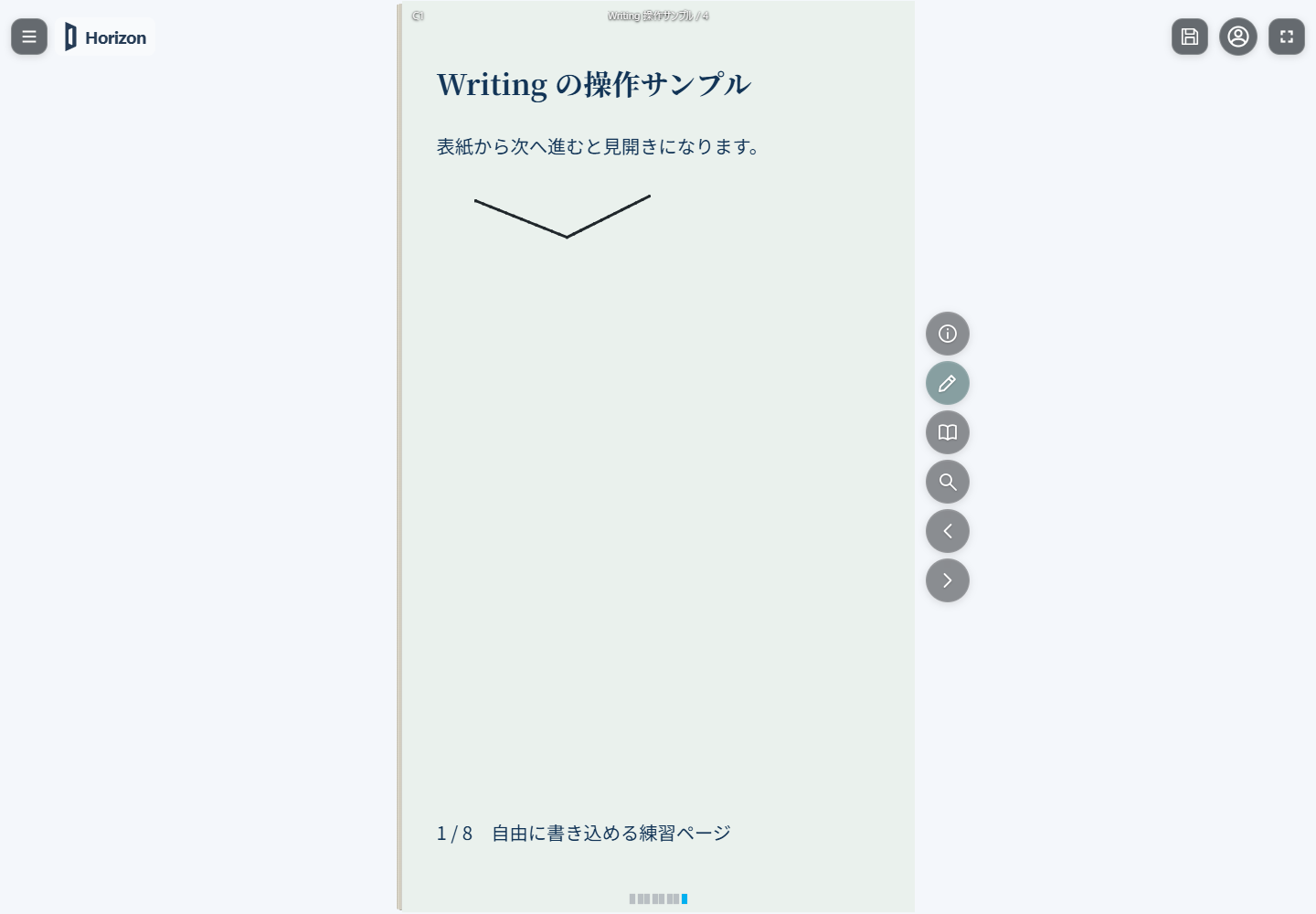
Move between pages
Use the previous and next buttons, or page-number navigation, to move to your desired location. Display settings include single-page and spread layouts. Controls are positioned differently on phones and PCs; progression and spread order follow the Read’s settings.
While Writing is active, page input is used for drawing. Use dedicated page-navigation buttons to avoid accidental marks.
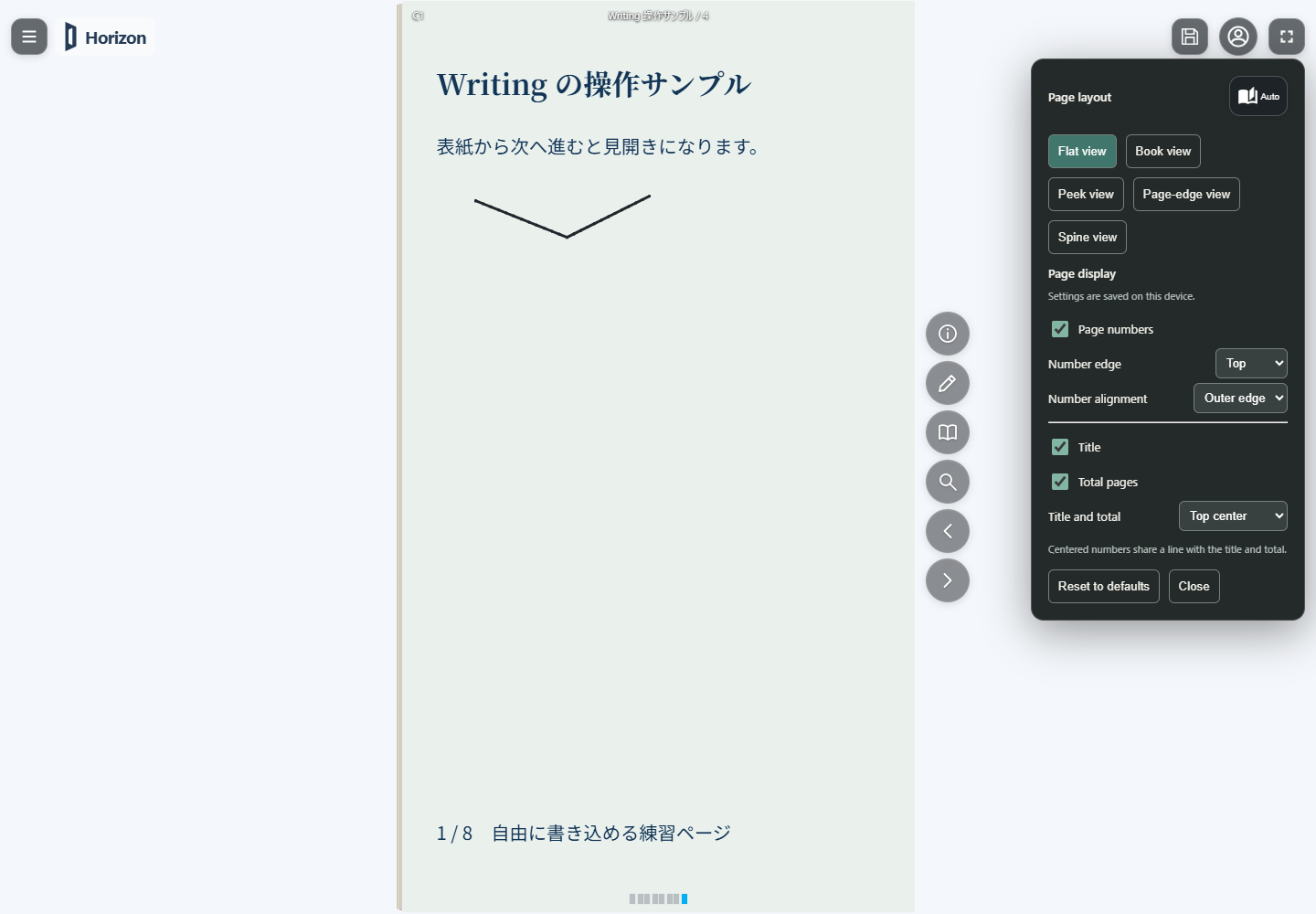
Choose a display mode
| Mode | Appearance |
|---|---|
| Flat view | A flat open page |
| Book view | Open pages with a paper-like curve |
| Peek view | A peek into slightly opened pages |
| Page-edge view | The page edges of a closed book |
| Spine view | The spine of a closed book |
These controls change presentation. They do not edit the manuscript or recompose its text.
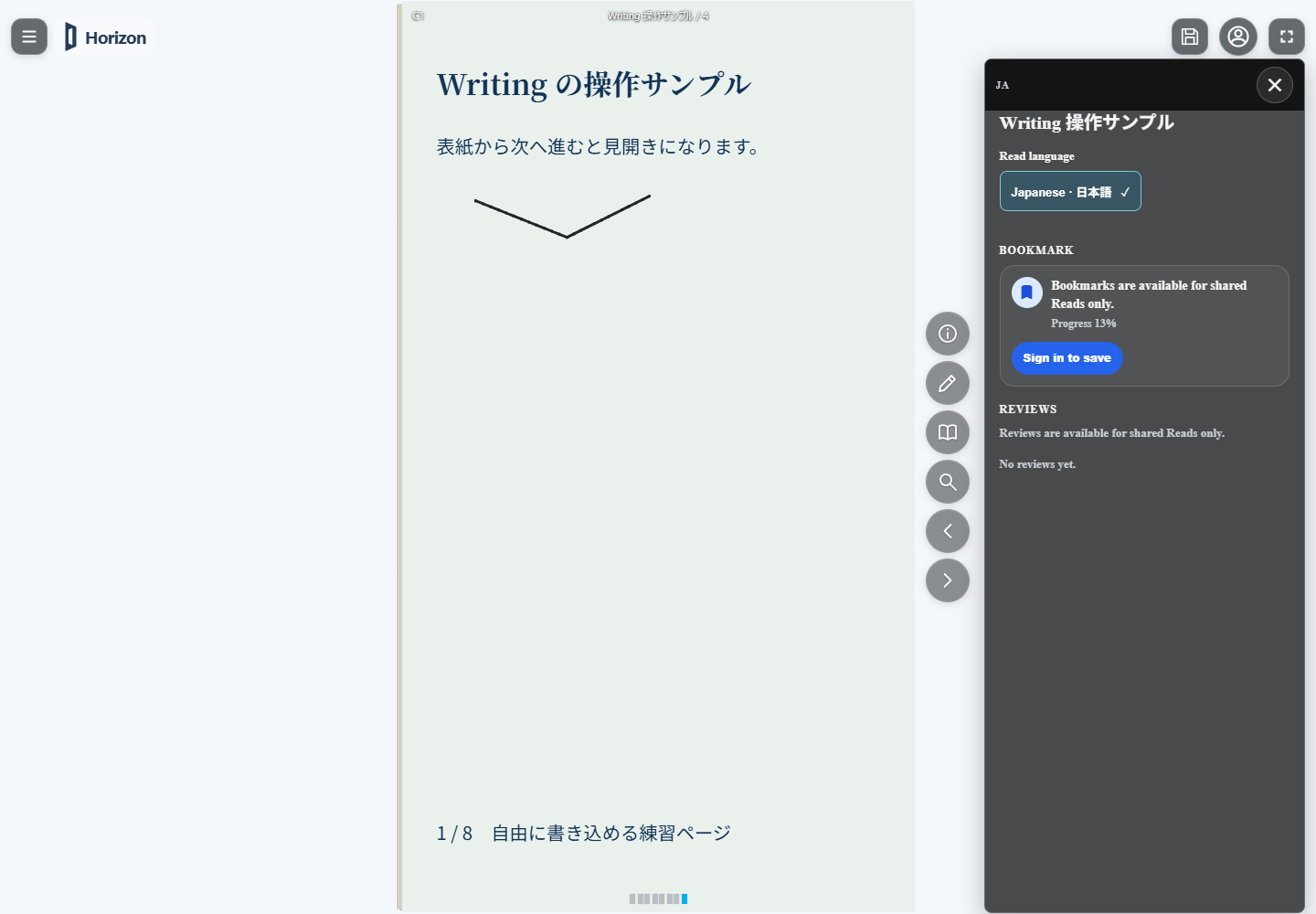
Read information and language
Use the information button (i) for metadata and available body languages. A multilingual Read lets you choose from the variants it includes.
Menu language in the shared application menu is independent. Changing it does not generate translations or add body-language variants.
Add your own notes
The pencil action, Writing, adds handwriting, text, lines and shapes over a supported Read. Original content and annotations are kept separately.
Some inputs do not allow Writing, including annotation-locked shared files and Studio previews. See Add your own notes for instructions and saving.
If something will not open
- A URL fails: check connectivity, any required sign-in, publication status and period. Ask the creator for a current link if needed.
- A file fails: check that its download finished and that its format is supported. Keep the original while obtaining another copy.
- A language is missing: check whether it is included in the Read; menu language cannot add it.
- Annotations are missing: open the local draft in the same browser, or the editable .dsfr containing your notes. Use a file to move them between devices.